Essential Plugins for Neovim
 AI
AIAndré Izarra

My Experience
I have been using Neovim as my main editor for over 3 years, and although I keep discovering new features every day, there is a set of plugins that have become a natural extension of my workflow. These are the ones I consider absolutely essential and that justify why Neovim remains my favorite editor over other modern alternatives.
Telescope
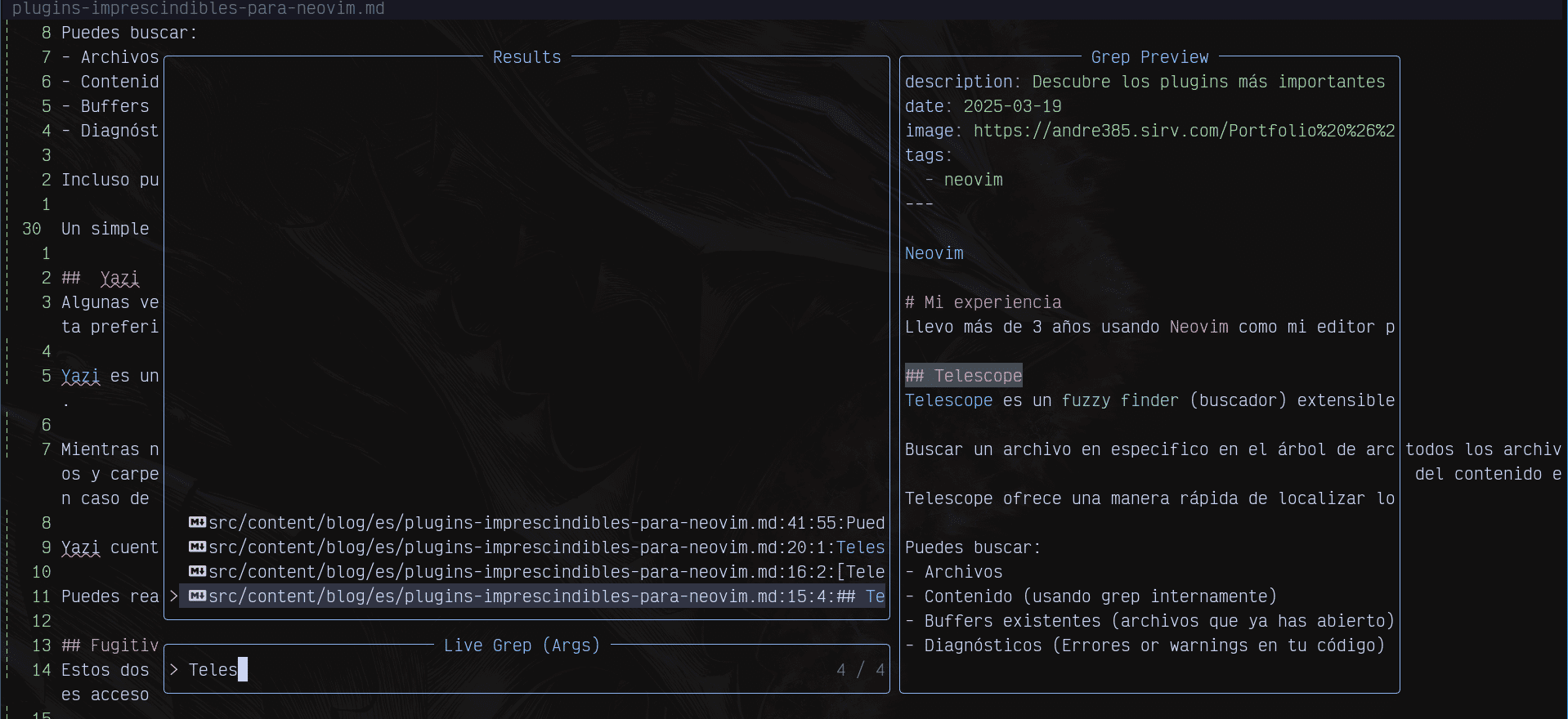 Telescope is an extensible and easy-to-customize
 fuzzy finder that can drastically boost your productivity.
Searching for a specific file in the file tree is not exactly productive and becomes a tedious task as our codebase grows.
Telescope offers a quick way to locate what you’re looking for by showing you a list of matches based on your search parameters and providing an instant preview of the file.
You can search for:
- Files
- Content (using grep internally)
- Existing buffers (files you have already opened)
- Diagnostics (errors or warnings in your code)
You can even create your own custom commands to find whatever you need.
A simple shortcut will open the finder, bringing you closer to what you’re looking for in less than a second.
Yazi
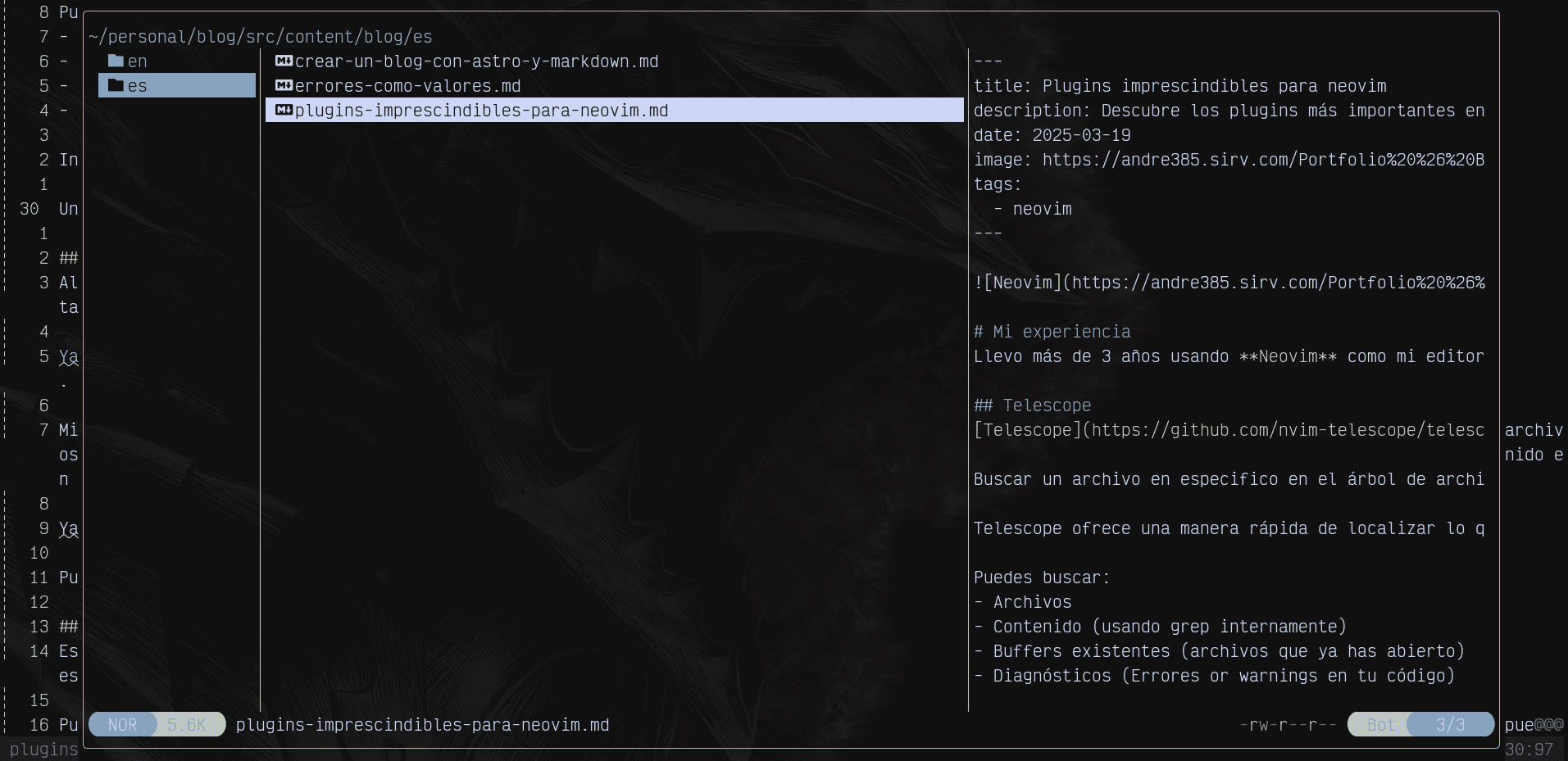 Sometimes, there’s no choice but to navigate through our file tree. When these moments come, Yazi is my go-to tool.
Yazi is a terminal file manager written in Rust. To use it in Neovim, you need to install its plugin.
While navigating the file tree, Yazi displays the files and folders one level above on the left. In the center, it shows all the files and folders of the current level, and if you hover over one, it will display the lower level if it’s a folder or a preview of the content if it’s a file.
Yazi includes keyboard commands to copy, delete, cut, and paste files and folders in your file tree.
You can integrate it with other plugins, like Telescope, which we discussed earlier.
Fugitive & Gitsigns
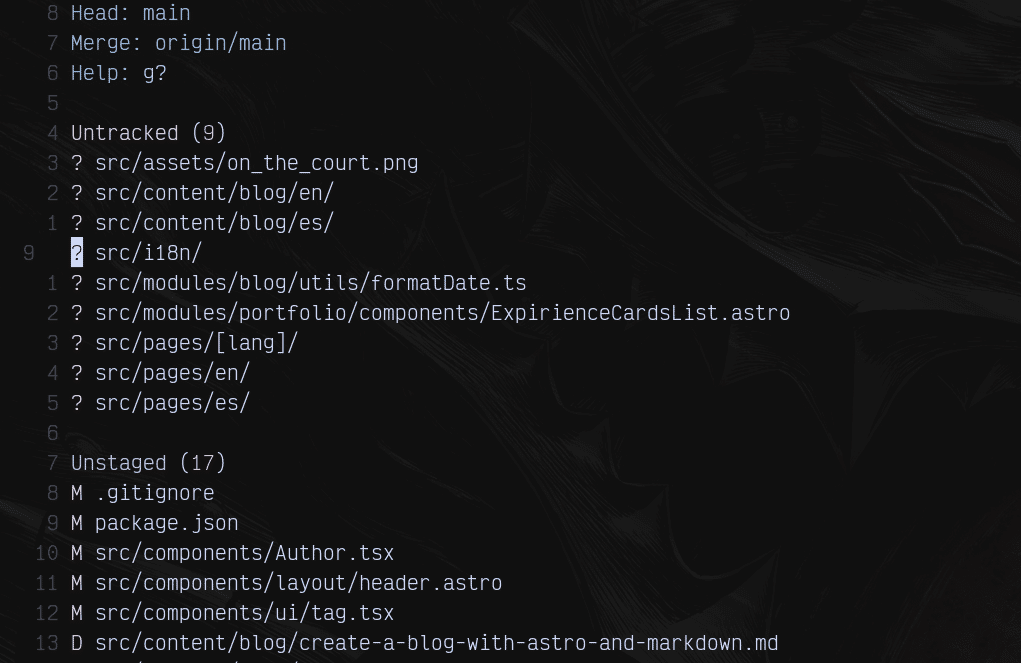 These two plugins are absolutely essential in my setup. Fugitive is basically Git inside Neovim, giving you access to all the commands you would use in Git, which you can execute through customizable keyboard shortcuts.
You can view your project’s status by opening a window that interactively shows the changes made since the last commit, allowing you to execute any Git command you want.
Resolving conflicts can be a difficult task. With Fugitive, you can resolve them interactively by viewing three windows: the current commit, the conflicts, and the commit to be integrated. You can then choose which version to keep with a simple shortcut.
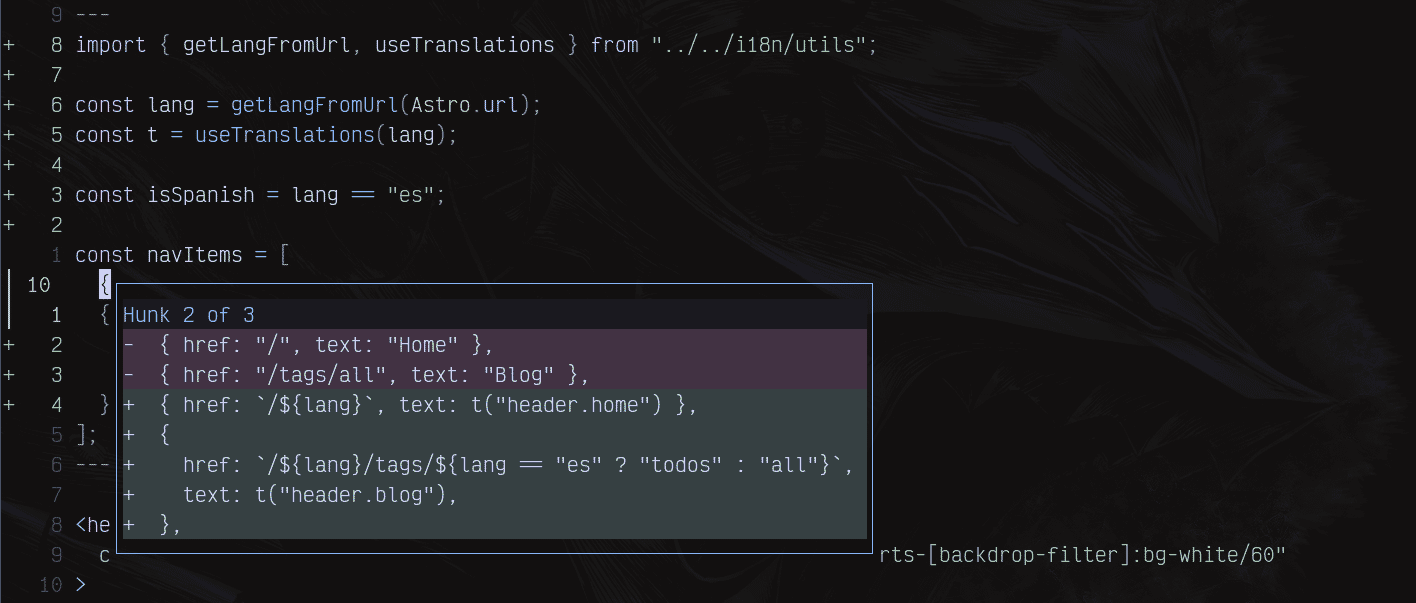
On the other hand, Gitsigns visually marks in your file which lines of code have been added, deleted, or updated using standard Git signs. You can navigate between hunks, preview comparisons between the current state and the previous one, stage specific changes, or reset them to their last committed state.
Harpoon
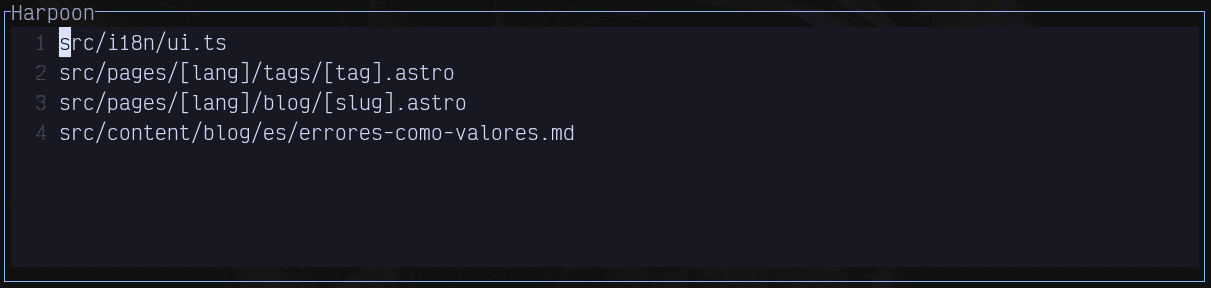 The creator of this plugin, ThePrimeagen, is one of the people who most influenced my decision to use
 Neovim as my editor. I still remember the first time I saw one of his videos—he wrote code incredibly fast, jumped between files seamlessly, and navigated back and forth in the blink of an eye. Seeing how productive he was, I knew I wanted a setup that allowed me to do the same.
When implementing a solution, we often spend a lot of time editing a select group of files, switching between them repeatedly, which can become tedious.
Harpoon is a plugin that lets you ‘mark’ files, assign them a position, and switch between them instantly using a designated shortcut for each position.
Obsidian
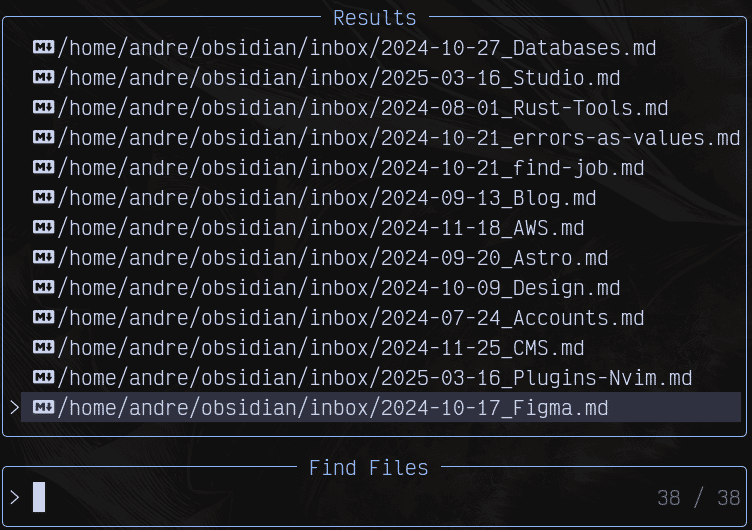 Taking notes is something I do constantly. There’s a lot to remember when programming—commands you don’t use often, specific concepts you’re trying to learn, or even the names of certain tools.
For me, accessing these notes easily was always a challenge. Many times, I found myself searching on Google repeatedly for information because I couldn’t recall it properly or didn’t have my notes on hand. Well, at least that was the case until I discovered Obsidian, an app for taking personal notes.
Obsidian isn’t much different from other popular note-taking options, but it has a plugin that allows you to use it within Neovim.
Obsidian supports Markdown, a powerful and easy-to-use format, and with Obsidian, you can:
- Create notes
- Link notes together
- Write in Markdown
- Filter your notes by categories
Conclusion: An Editor That Grows With You
These plugins are not just isolated tools but strategic pieces that transform Neovim into a customized environment that adapts to your workflow. What I value most after 3 years is how this combination allows me to:
✅ Maintain flow: Seamlessly transition between code, notes, and version control
✅ Reduce distractions: Everything is accessible from the keyboard without losing context
✅ Scale my productivity: Each plugin solves a specific problem without overloading the experience
Neovim is not just an editor—it’s a living ecosystem where you define the rules. The best part? This setup is not static: each new plugin or configuration tweak brings you closer to your ideal editor.
Do you already use any of these plugins? If you want to explore my full setup, you can find it on Github.
🚀 Bonus Pro Tip: Start with 2-3 essential plugins and integrate more progressively. Productivity is built step by step!