Using Omarchy
 AI
AIAndré Izarra
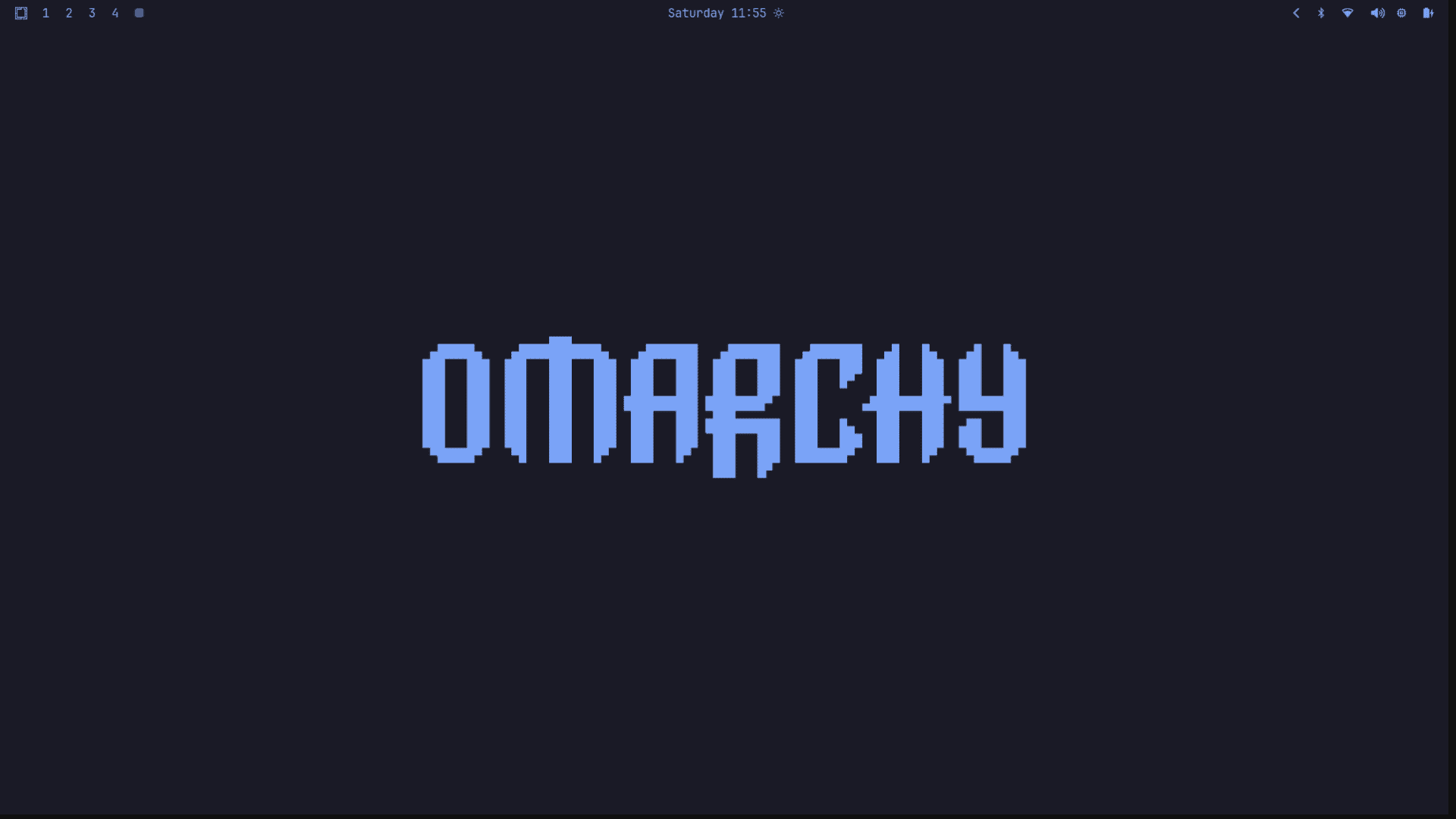
Using Omarchy
I’ve been using Linux for over 5 years now, and in that time I’ve tried different distros, each with its own focus, pros and cons: Linux Lite, Linux Mint, Ubuntu and Arch Linux.
I tend to change configurations, try new things and, little by little, improve my daily workflow. I believe spending time understanding and using better each of the tools you use every day — and knowing their alternatives — is important. It helps you improve your productivity, feel comfortable with your setup, and learn more along the way about the software you use daily. That tool you don’t pay much attention to can surprise you.
My setup before Omarchy
For the last 2 years or so, I’ve used the same tools I grew most comfortable with: Arch Linux as my OS, i3 as my window manager, and tmux + Neovim for managing terminals and editing text.
What is Omarchy
A while ago I learned about Omarchy in a YouTube video, and I realized that although the configuration had some differences from the setup I’ve been building all this time — especially when it comes to hotkeys — it’s still a system that brings, by default and from the moment you install it, everything I was using in my day to day, and in many aspects even better.
It’s based on Arch Linux. Instead of i3 it uses Hyprland, which offers the same functionality and has a beautiful UI in comparison. It comes with tmux with a default configuration that improves the UI and several hotkeys to manage sessions easily and effectively, plus a Neovim configuration with LazyVim that’s quite easy to get up to speed with.
Learning and adapting
Learning the base Omarchy commands can take time, but learning the most important ones is a matter of hours. Learning them as you need them is what has worked best for me. Also, the commands are organized with a certain logic; once you understand it, it’s easier to get used to them.
The only thing missing from the tmux configuration, in my case, was the sesh tmux sessionizer setup to access the sessions I work in often. Other than that, the configuration is quite stable and the UI is pleasant to look at.
As for Neovim, although the configuration uses LazyVim and brings many more packages than the minimalist configuration I’m used to, it’s easy to get up to speed: with the which-key plugin you get a popup showing the available commands, categorized, with a philosophy similar to the one used for Hyprland — which makes it easy to get used to the shortcuts much faster than you’d expect.
Included tools
Other tools like Obsidian, which is quite useful for keeping notes about your work, activities and reminders — if you like taking notes as much as I do, you’ll find this very practical.
Most tools like npm, cargo, etc. come already installed by default, and if the one you need isn’t there, you also have mise available to install them quickly.
Why I’m staying with Omarchy
Since I installed it a month ago, I’m really happy with this distribution. I think it comes with a complete configuration of everything a programmer could want: it’s easy to learn, maintain and extend. It comes with an excellent manual and documentation integrated into the OS in sections.
With Omarchy I feel it’s no longer necessary to maintain your own dotfiles or make your environment reproducible: you can learn this distribution, and if you have to change computers, just installing the distribution gets you back into a comfortable environment with everything you use daily.
I think in this month I’ve barely discovered 10% or 15% of the functionalities Omarchy has, and I’m thrilled. I’ll keep following the documentation little by little to discover this distro in depth and understand each of its components. I think it’s worth taking the time to learn this distro deeply. What do you think? Would you like to try Omarchy sometime?
If you made it this far, thanks for reading my post.